

Accounts
All Accounts in one place
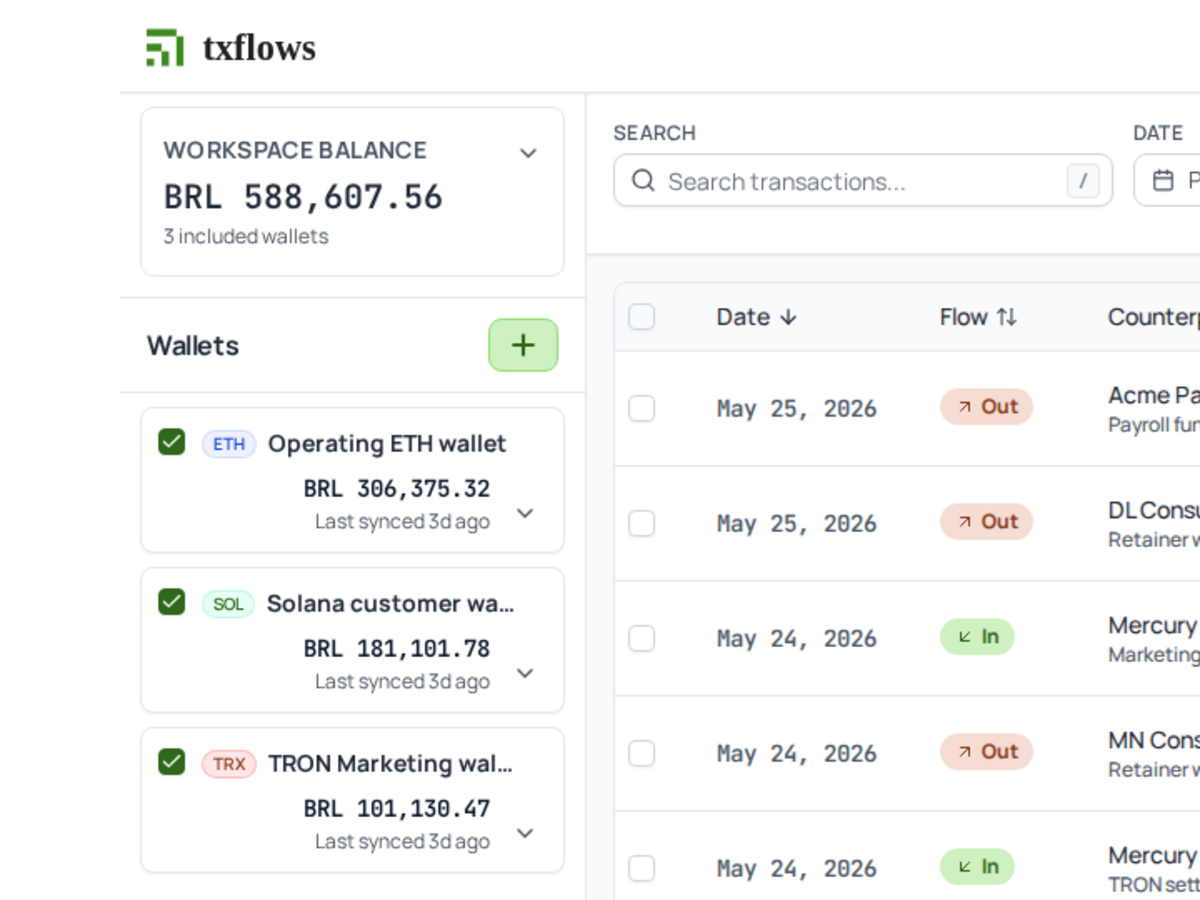
ETH, SOL, and TRX wallets sit in one operating view, so the month is not split across explorer tabs.
Turn raw USDC/USDT wallet activity into a monthly Flow Statement: counterparties, categories, documents, and transaction-date FX, ready for review.
Read-only - never custody - No private keys
Raw wallet activity to accountant-ready
Built for the close
For the close
Everything they need to close the month, with business context and a source trail they can review.
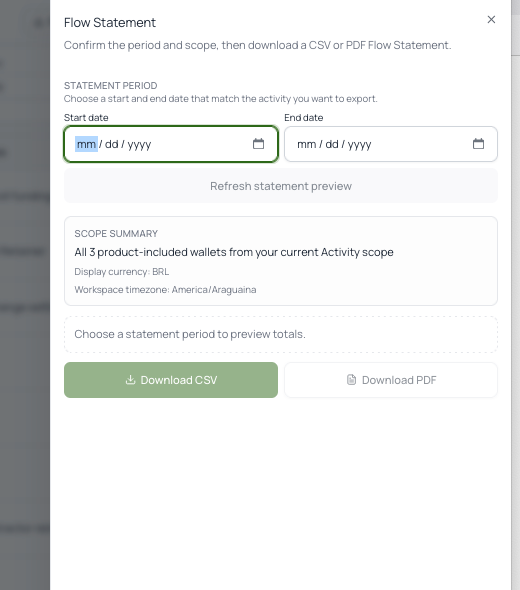
Statement preview
Lead with the thing accountants actually receive: a statement workflow, not another dense dashboard to interpret.
For everyday operations
Once the month is moving, TxFlows becomes the cashflow surface: every wallet, every transfer, who it was, what it was for, and what it was worth that day.
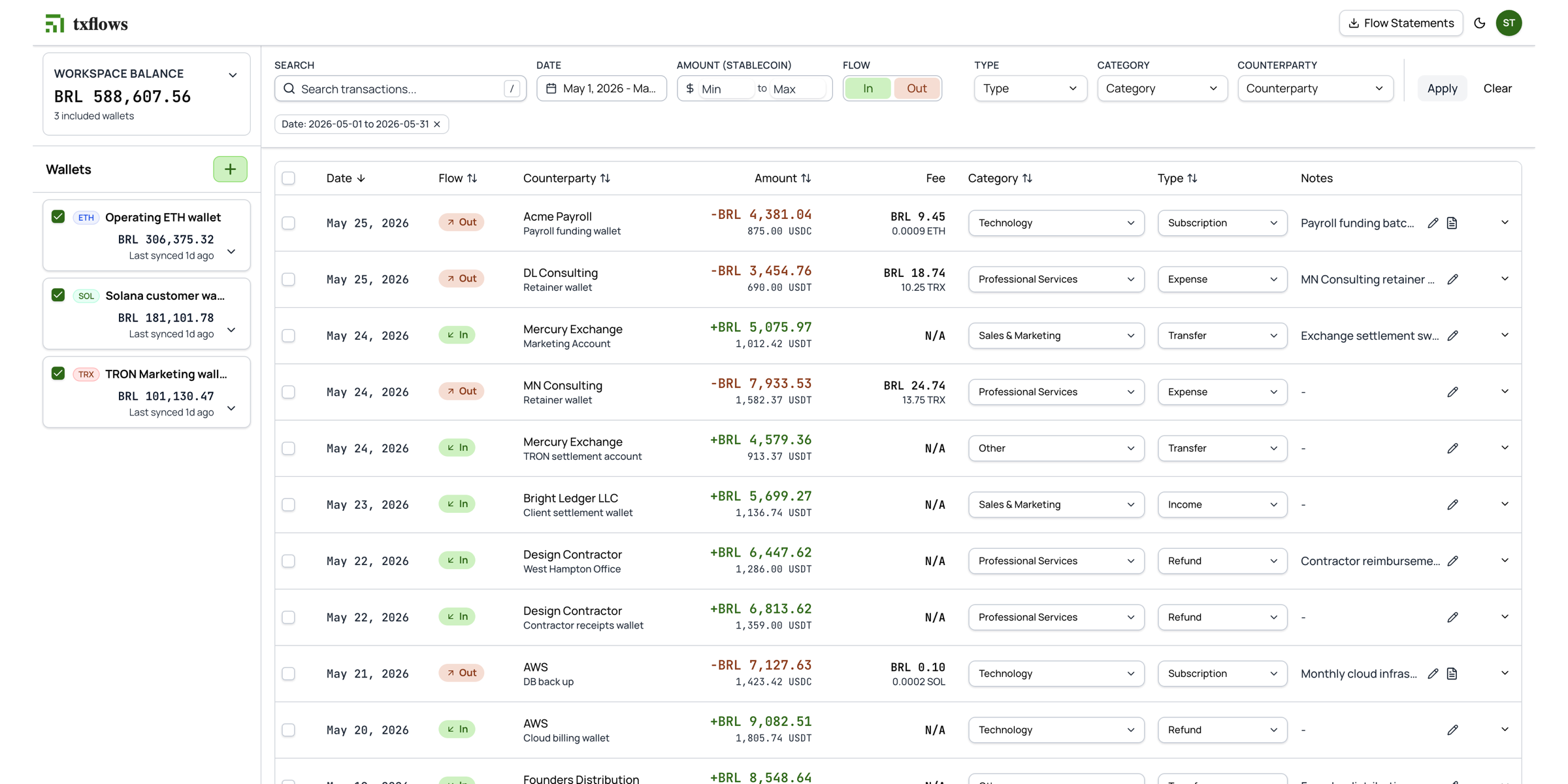
Accounts
ETH, SOL, and TRX wallets sit in one operating view, so the month is not split across explorer tabs.
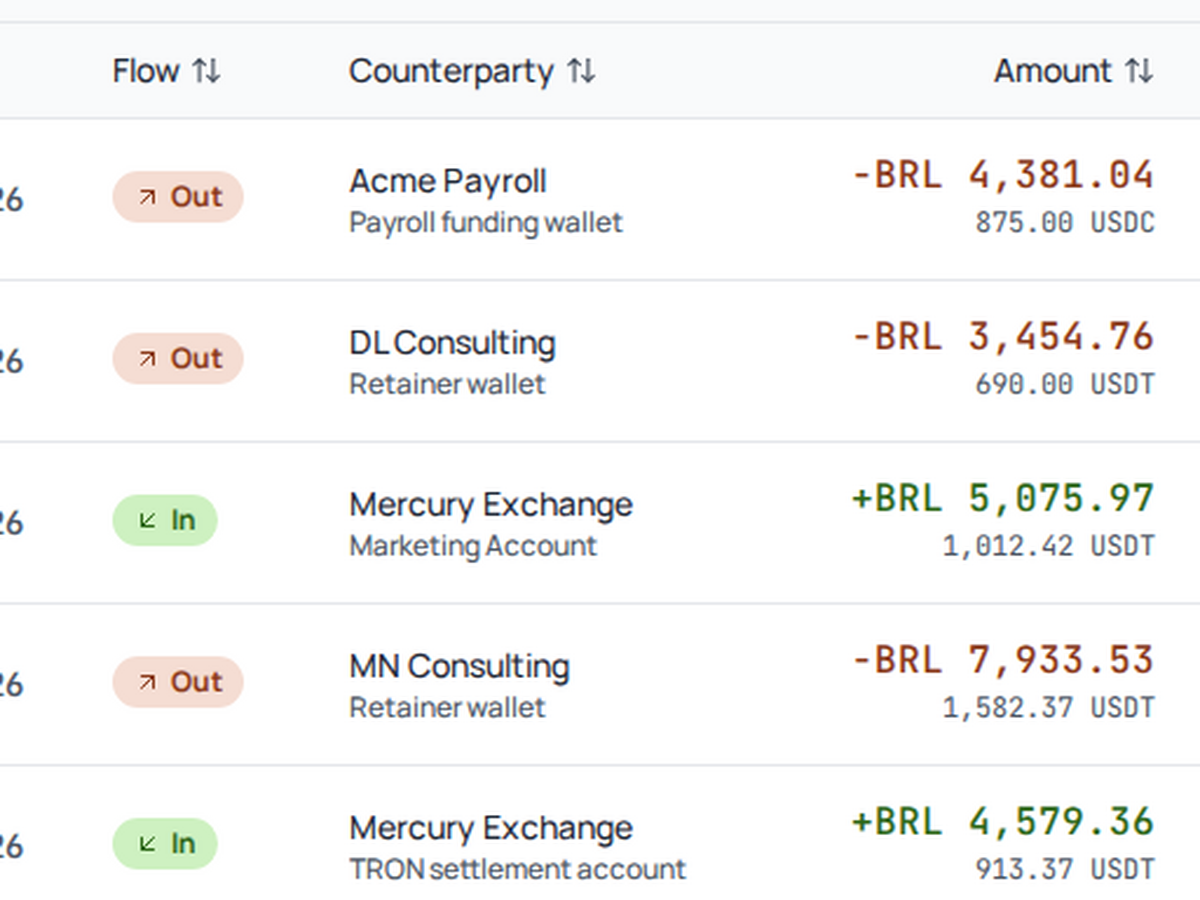
Counterparties
Name wallets as clients, vendors, contractors, or internal accounts, then carry that context across the ledger.
FX
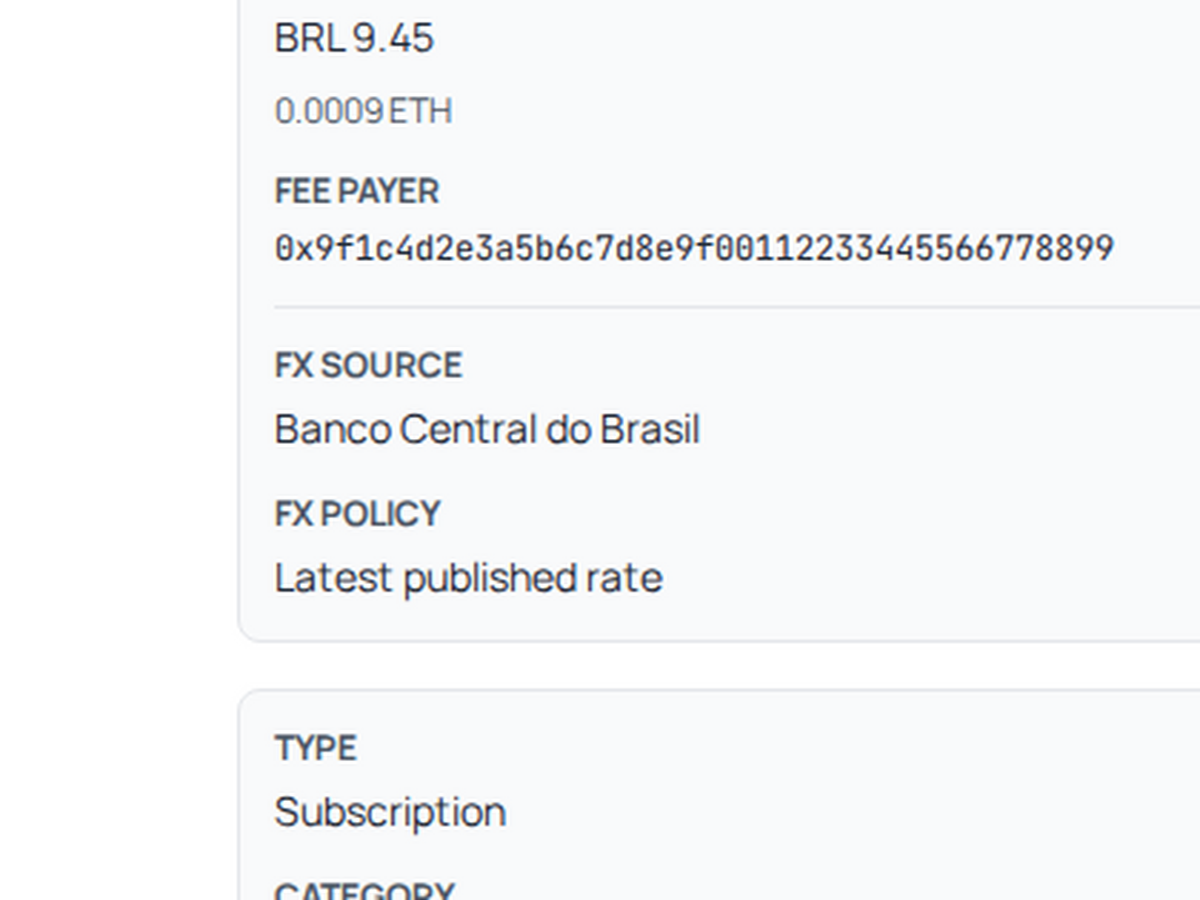
Show what the transfer was worth on the transaction date, with source and policy context beside the row.
Bookkeeping labels
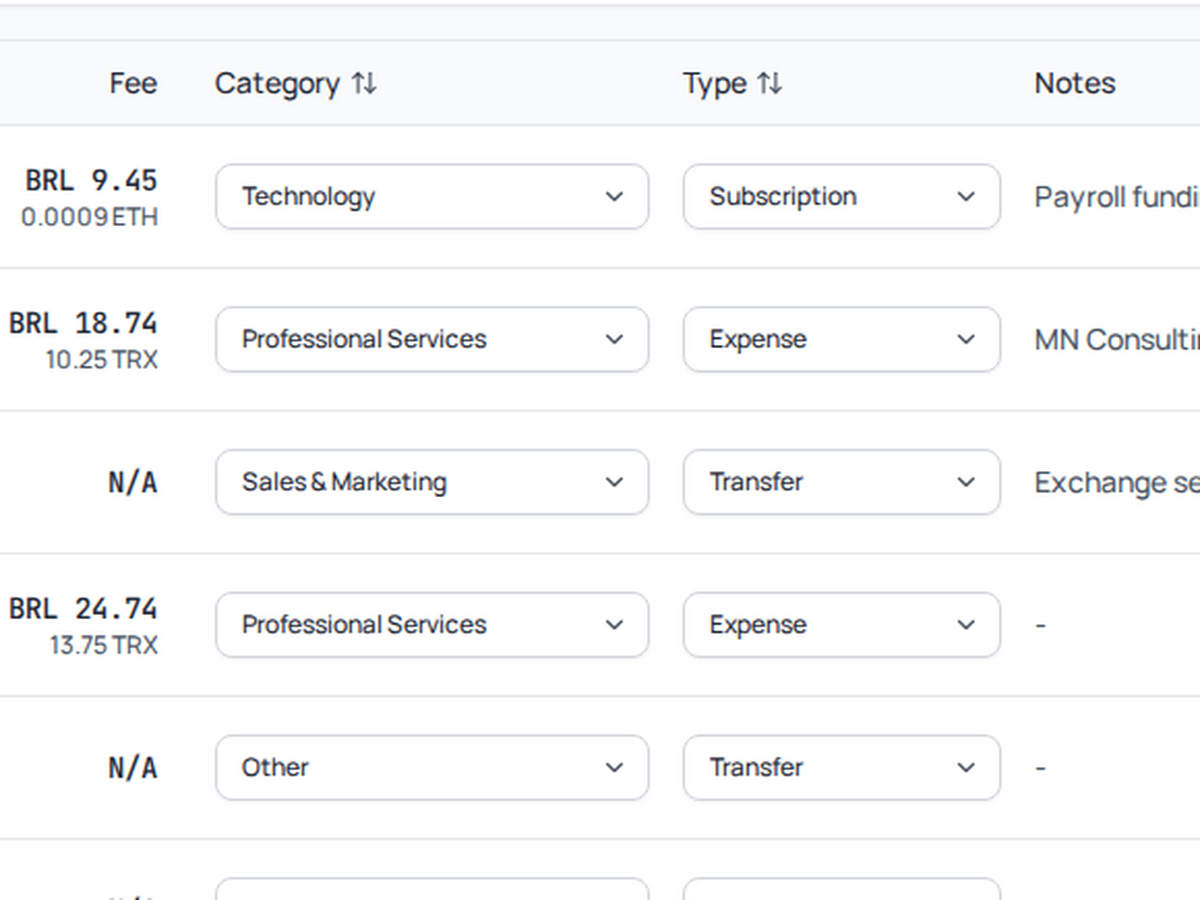
Use standard bookkeeping terms for transfers, payroll, services, subscriptions, refunds, and uncategorized work.
Customization
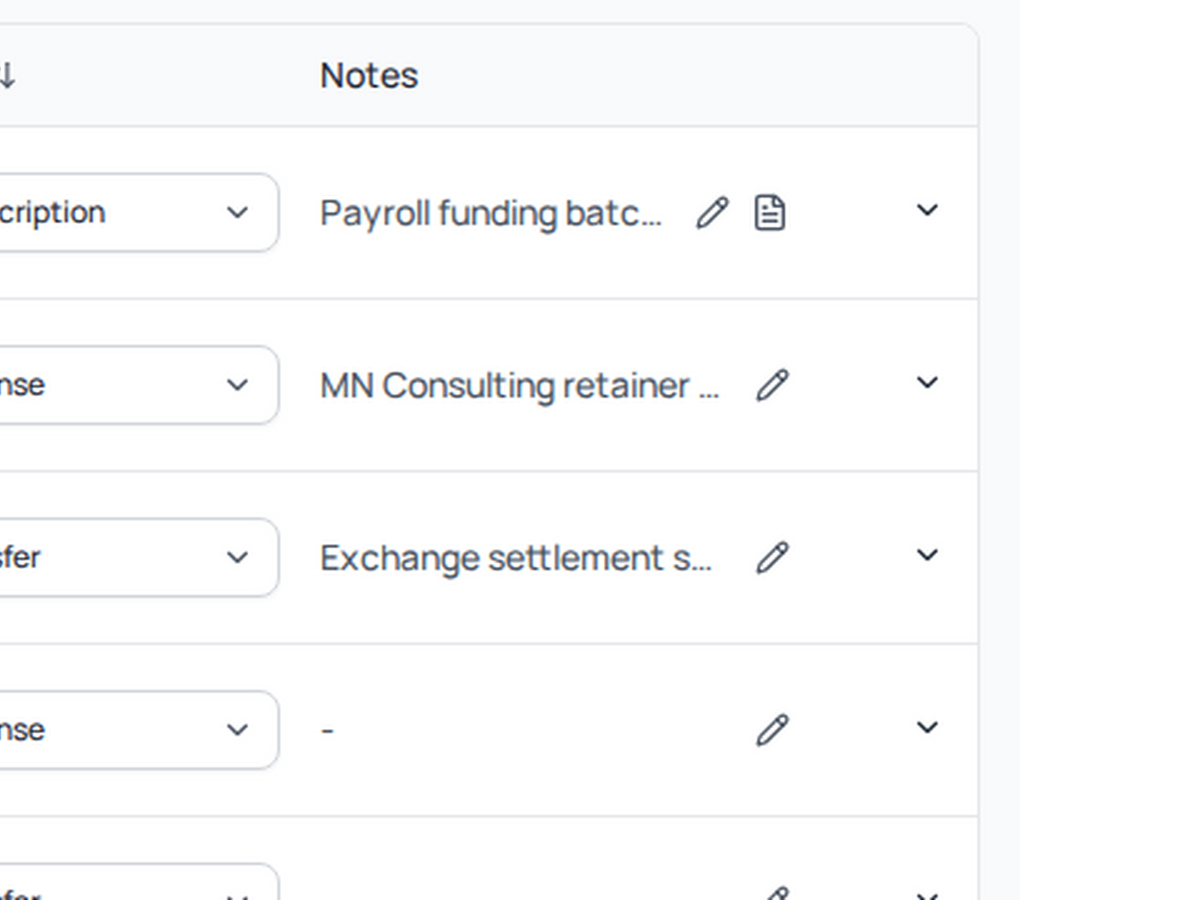
Add invoice context, receipts, or review notes where they matter without forcing every row into the same shape.
Output
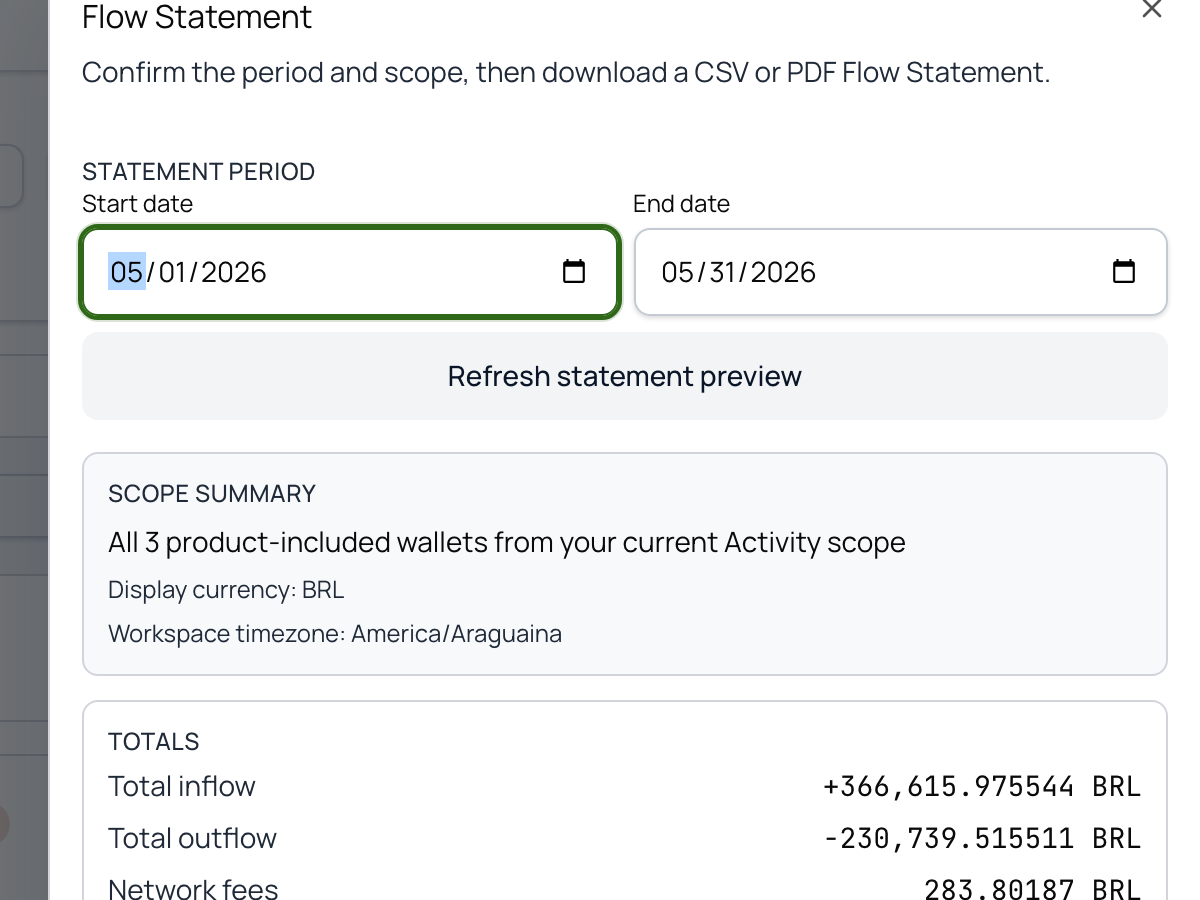
Turn the month into a Flow Statement package finance can export as CSV and PDF for review.
Optional depth
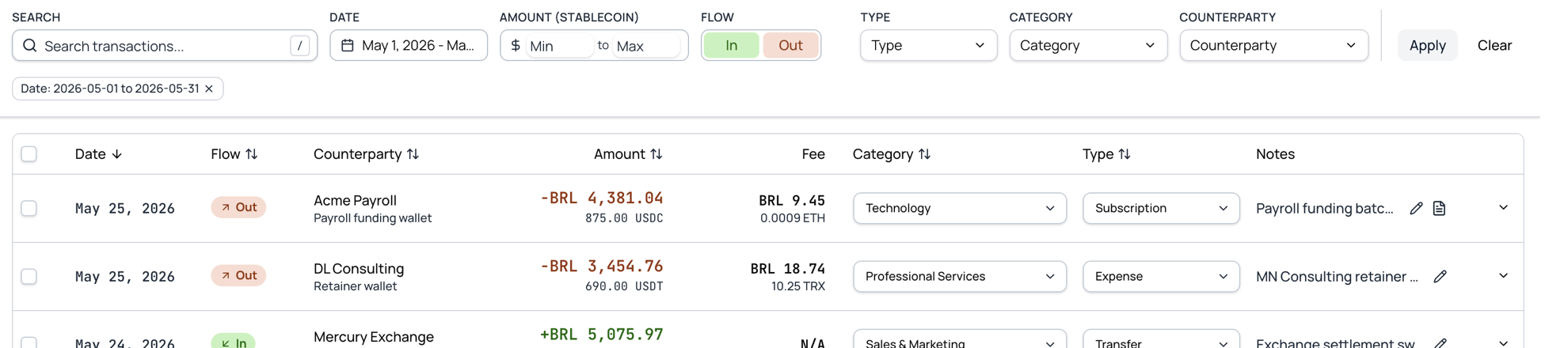
Slice the month by account, chain, flow, category, type, status, or date when operations need a narrower view.
FAQ
Keep the scope clear: records and evidence for review, not custody, tax advice, or a replacement for accounting judgment.
TxFlows turns USDC/USDT wallet activity into accountant-ready Flow Statements: money in, money out, counterparties, labels, notes, documents, fees, and transaction-date FX evidence.
A Flow Statement is the monthly close package built from your wallet activity: money in and money out with counterparties, categories, fees, stablecoin amounts, and transaction-date FX values, with source and rate-policy context kept beside each row for review. It exports as CSV and PDF for handoff to your accountant.
Launch scope is Ethereum USDT/USDC, Solana USDT/USDC, and Tron USDT, presented as read-only wallet records for review.
You can view stablecoin wallet activity in USD, CAD, BRL, COP, MXN, ARS, EUR, or AUD, using TxFlows transaction-date FX presentation where available.
We are prioritizing additional accountant-useful FX coverage for LATAM and global reporting workflows, including CLP, PEN, GBP, JPY, and CHF. Broader coverage is evaluated by source quality and accountant-review needs.
WhatsApp workflow support is in process. The focus is bringing payment context and evidence from chats into the same accountant-reviewable record as the wallet transaction.
No. TxFlows prepares stablecoin records and Flow Statements your accountant can review. Your accountant or accounting system still owns the final accounting treatment.
No. It reduces wallet-export cleanup, spreadsheet work, missing counterparty context, and manual FX lookup, but final accounting judgment stays with your accountant or finance team.
A block explorer CSV gives raw transaction data. TxFlows adds business context: counterparties, Flow labels, notes, documents, transaction-date FX evidence, fees, and monthly Flow Statements.
It is a reporting value tied to the day the transfer happened, using selected public or official reference sources where available. It is evidence for review, not a claim about execution price or tax treatment.
No. TxFlows is a read-only record and reporting layer: wallet activity in, business context and statements out.
Close-ready records
Build a monthly Flow Statement from wallet activity without asking finance teams to rebuild the chain in spreadsheets.
Read-only. We never touch your funds.